
Anthropic
claude-fable-5- Input
- $11.50
- Output
- $57.50
- Cache create
- $14.375
- Cache read
- $1.15
Start with a 7-day free trial of Max. Scale as your team adopts AI agents across more repos and workflows. No surprises.
Try the Max plan free for 7 days.
For individuals and small teams who need consistent usage.
Includes $90 in usage every month
For teams with higher usage needs and more concurrent tasks.
Includes $400 in usage every month
For organizations with custom requirements and dedicated support.
Every sandbox grows its CPU and memory as the work needs more, within your project’s limits. You pay for the vCPU, memory, and disk allocated while a VM is running, from your plan’s included usage allowance.
vCPU ×$0.0378GiB RAM ×$0.0130GB disk ×$0.0001
The sizes above show what familiar configurations cost. Disks default to 50 GB and can be set from 50 to 200 GB. Sandboxes grow up to 16 vCPU and 32 GiB; larger limits are available on request. Metered by the second while a VM runs, including keep-alive time. Stopped and snapshotted VMs do not accrue compute charges.
Tembo connects your coding agents to the tools, context, and workflows your team already uses, so work happens in the background while you stay in control.
Run Claude Code, Codex, Cursor, or Amp. Switch agents or models at the task level with one click.
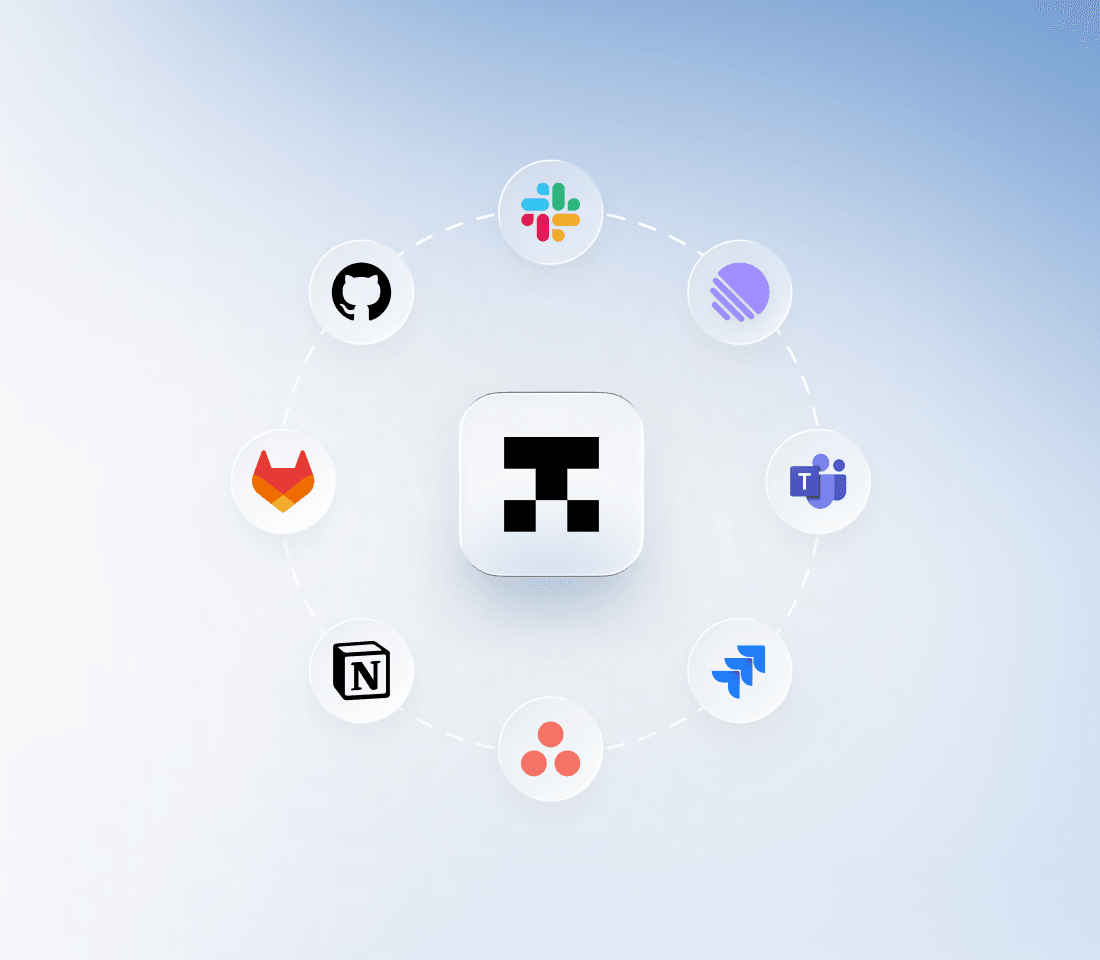
Connect Linear, GitHub, and Sentry for full context. You approve, reject, or redirect from anywhere.
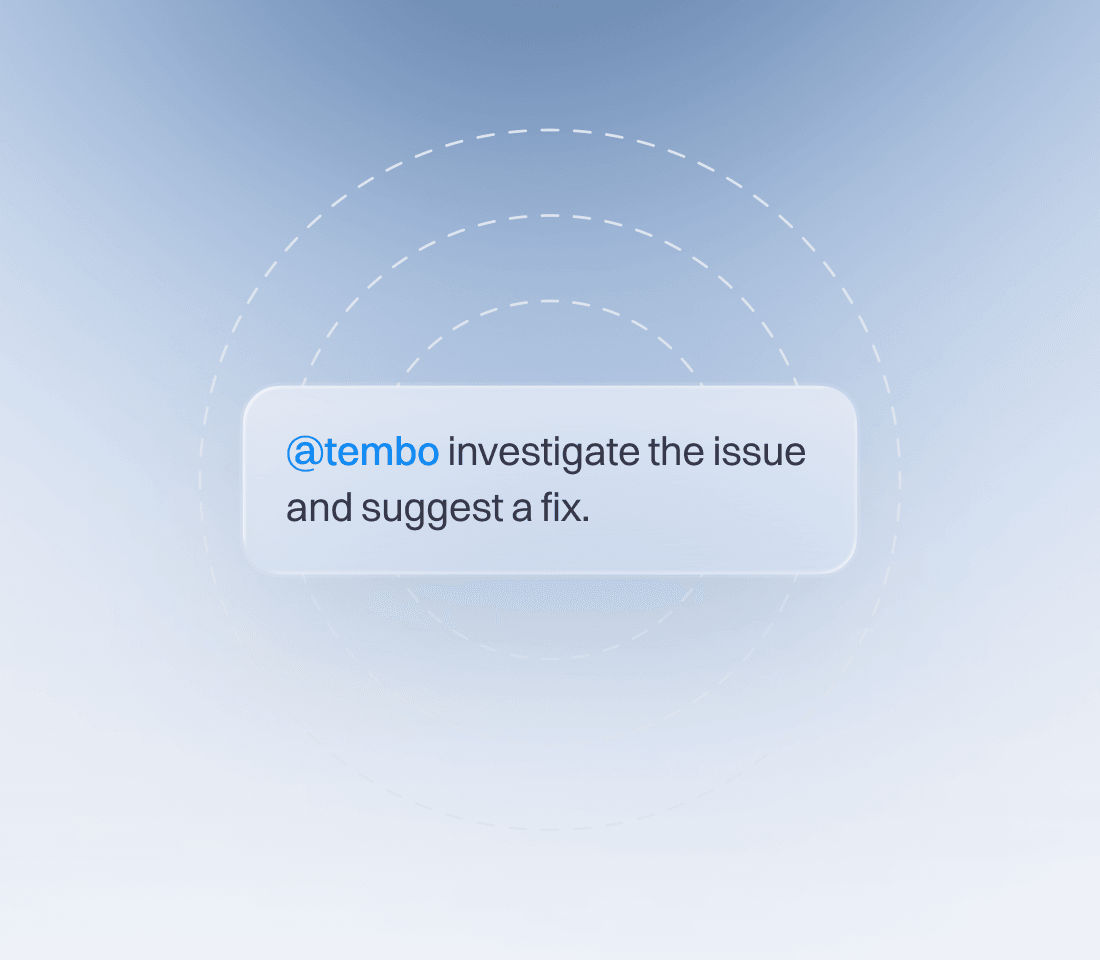
Mention @Tembo in Slack, Linear, or a PR comment. Natural language. No tickets, no setup.
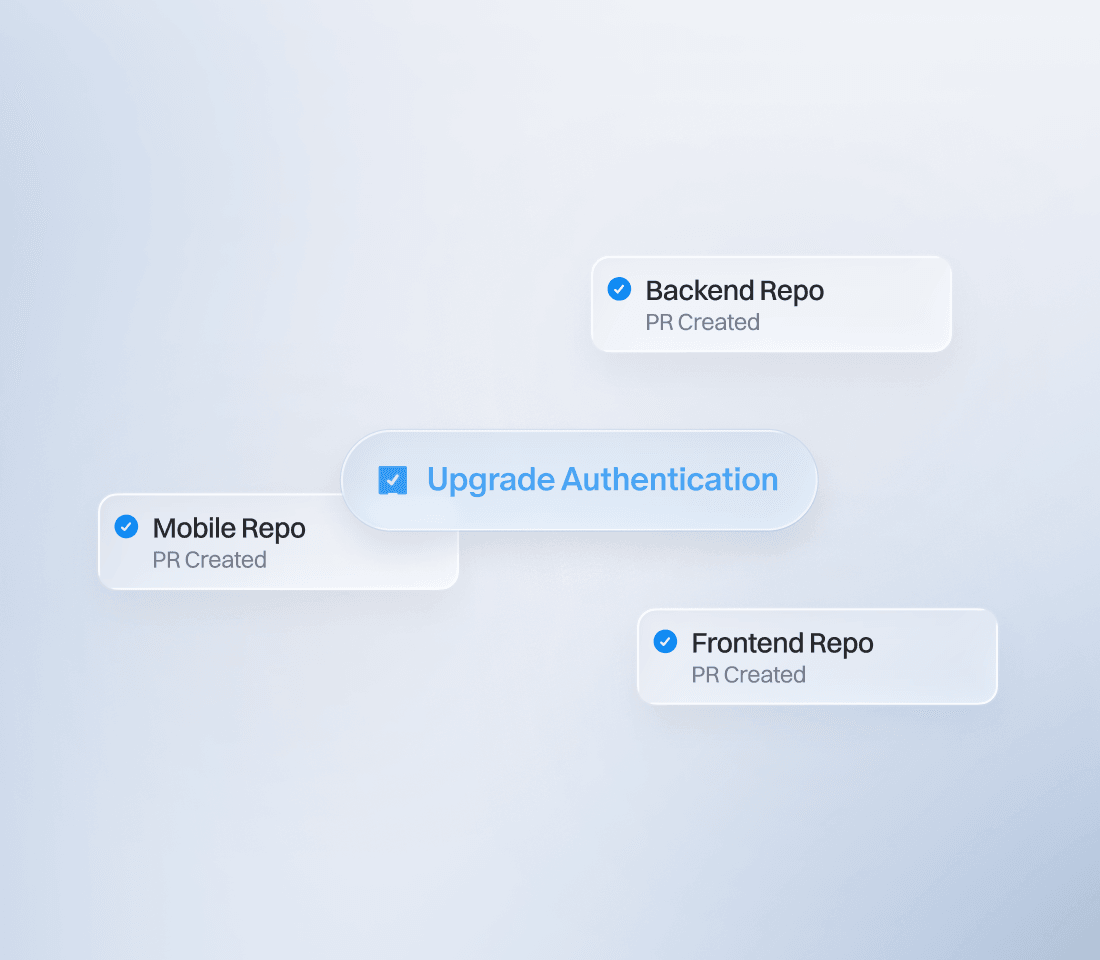
One task, coordinated PRs across multiple repos. Ship API and client changes together.
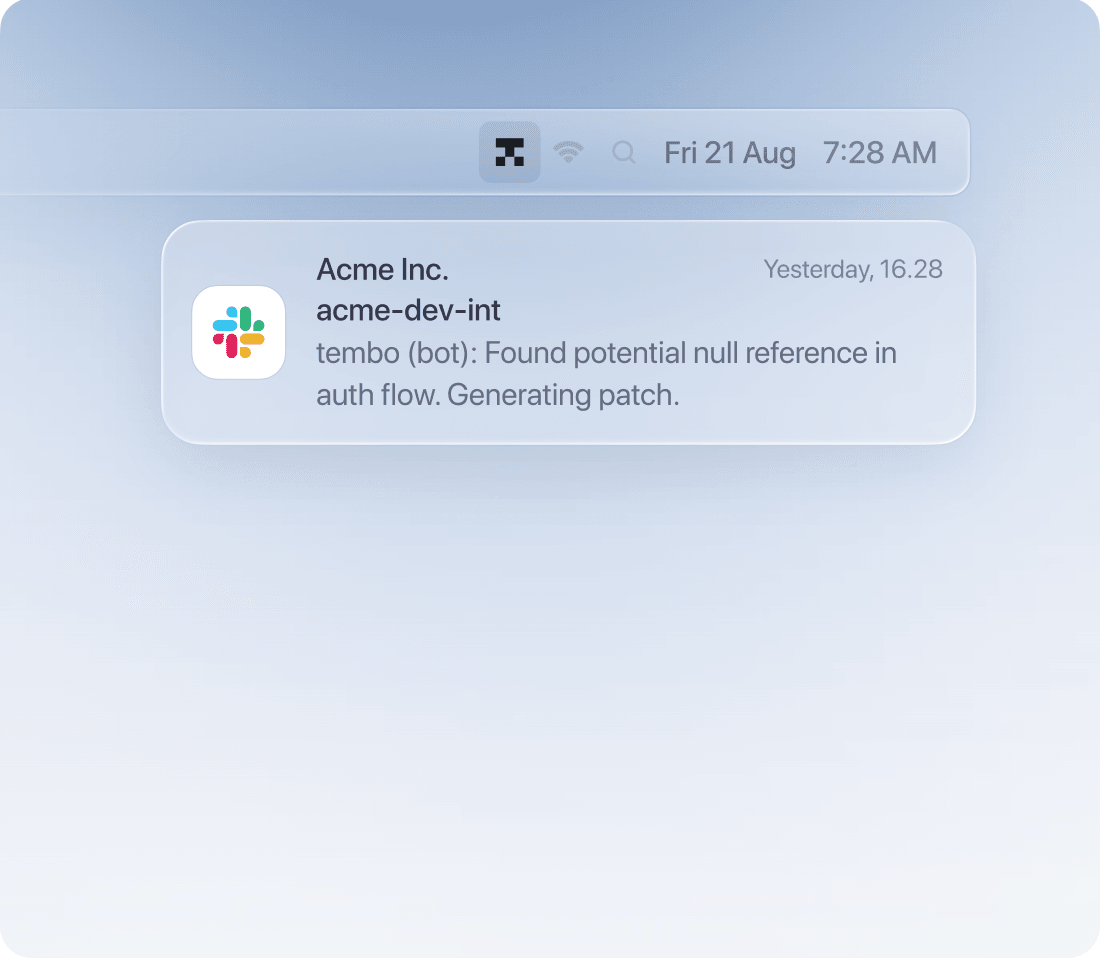
Every session streams in real-time to the dashboard, Slack threads, Linear comments, and GitHub PRs.
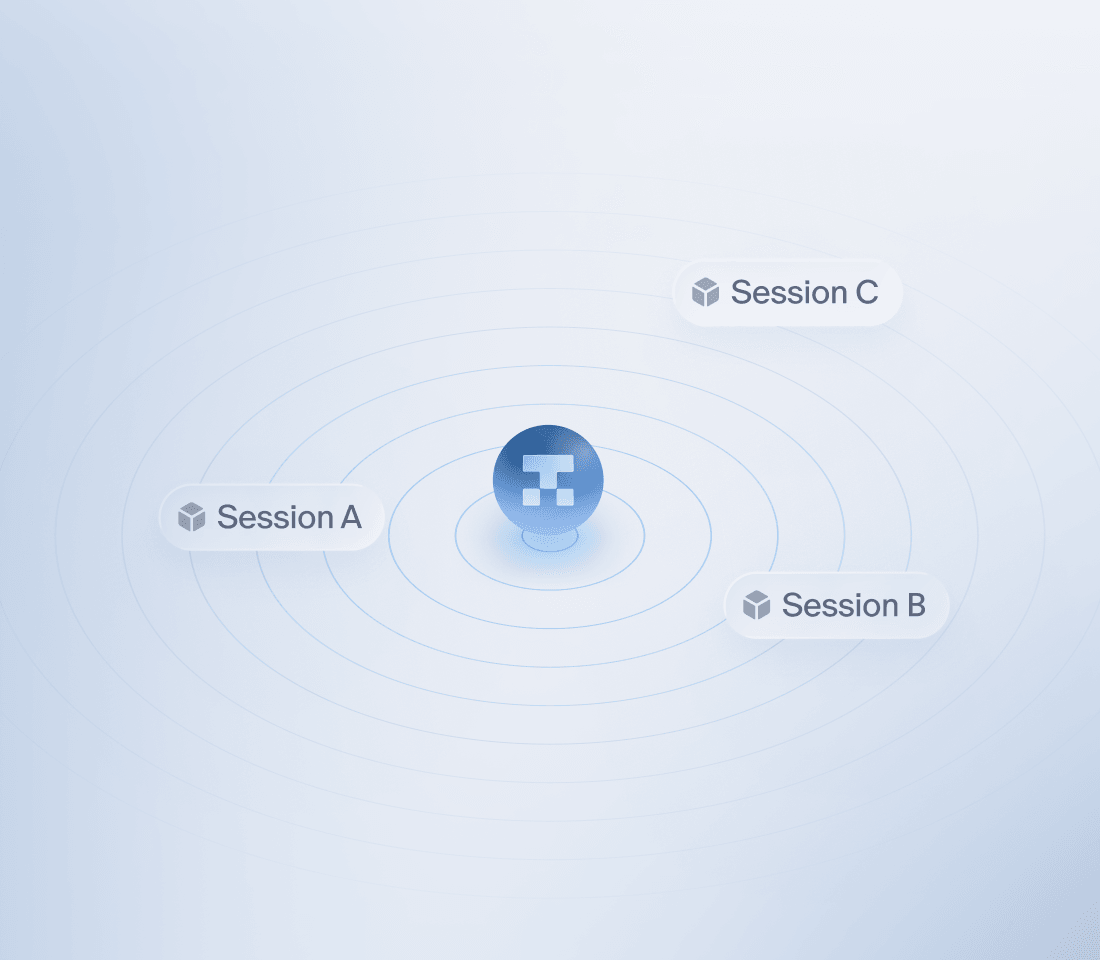
Agents run in isolated cloud environments. Deploy on Tembo’s cloud or self-host in your own VPC.
A detailed look at what each plan includes.
Need more than 16 vCPU and 32 GiB? Larger sandbox limits are available upon request. Contact support@tembo.io to discuss your requirements.
claude-fable-5claude-opus-4-8gpt-5.5gpt-5.4
“Other cloud agents never stuck. Tembo’s warmed-up VM lets us steer in real time — it feels like AGI.”
~150
Knowledge-base updates in a morning
If you have other questions, please contact us and we'll respond promptly.
Tembo is your cloud workspace for the entire development workflow: code interactively with AI, build agents, and review code in one place. Implement features, fix bugs, run tests, preview applications, and update documentation using your connected repositories and tools. Work with agents in real time or let them handle tasks in the background.
Yes. Tembo is designed for you to do all your development work in the cloud. Code interactively, run commands and tests, preview your app, and review changes in the same workspace. Choose agents such as Claude Code, Codex, Cursor, and OpenCode with compatible models, and move between hands-on coding and background work without switching to a local IDE.
Yes. Connect your ChatGPT, Claude, or Grok (SuperGrok) subscription in Connected accounts and use it with supported agents and models. Workspace admins can also add shared connections under Models > Subscriptions. Your provider's subscription limits still apply, and cloud VM compute is billed separately through your Tembo usage allowance.
No. You can use Tembo Gateway for model access and pay for inference through your Tembo usage allowance. If you already have provider API keys, bring your own keys (BYOK), or connect a supported subscription. Available models depend on the provider connection and agent you choose.
Tembo connects to GitHub, GitLab, and Bitbucket, and a session can work across multiple repositories. Integrations such as Slack, Linear, Jira, and Sentry let you hand off work from the tools your team already uses. You can also connect custom MCP servers to give agents access to additional tools and context.
Yes. Build agents with instructions, connected tools, and repository context for your workflows. Run them on demand, on a schedule, or in response to events such as a new issue, a pull request, or a Slack message. Use them for code reviews, dependency updates, documentation maintenance, or issue triage. You can also start work through the API or webhooks.
Use any agent for coding and code review. Tembo gives it a dedicated VM with a 60 fps computer, so you can work together in real time, run tests, and preview your app. Inspect diffs, give feedback, and have agents review pull requests against your repository instructions and coding conventions. Tour Mode guides you through changes, highlighting risks and high-signal files so you can focus your attention where it matters and reduce the review bottleneck. You control what gets merged.
Tembo runs agents in isolated virtual machines. You can use the managed cloud service or self-host Tembo in your own infrastructure for control over your deployment, networking, and data. Self-hosting still requires you to configure the model providers and external integrations your agents use. Visit our Security and Self-hosted pages for deployment details, or contact us to discuss your requirements.
Your dollar-denominated allowance covers model token usage through Tembo Gateway and the vCPU, memory, and disk allocated to cloud VMs while sessions run. When you bring your own API keys or use a supported subscription connection, model usage is handled by that provider; cloud VM compute still draws from your Tembo allowance. Pro includes $90 per month and Max includes $400 per month. Paid plans can enable on-demand overage billing with a spend limit. The free trial lets you try Tembo before choosing a paid plan.
Start with a 7-day free trial of Max, connect a repository, and open a coding session. Work with an agent to build a feature or fix a bug, run your tests, and preview the result in your cloud workspace. Connect your team's tools, build reusable agents, and set up reviews and automations as you bring more of your development workflow into Tembo.