
Building Secure Sandboxes with Docker and NixOS
How we built secure, isolated execution environments using Docker and NixOS to provide predictable builds and comprehensive virtualization support for our users.

When we started Tembo, we knew that secure execution environments were going to be a fundamental part of our product. We set out to accomplish a few goals:
- Predictable builds - We ship a lot of tools, scripts, and cli agents; we didn't want to spend our time updating even more scripts in order to ensure our image would build correctly.
- Isolated
- Easy to build/extend - We started with, and still support, a docker based approach for the sandboxes. As we already have some Nix experience on the team, we decided to go all in with it.
More predictable Docker builds
Anyone who has used Docker enough will eventually run into an issue with a failed dependency install. Enter Nix's dockerTools.buildLayeredImage function, which lets us build a very plain docker image, with just the tools we need.
We keep a tools.nix file which we import into both our Docker image and our base guest image.
Why Docker isn't enough
The biggest problem with using Docker as our sandbox, was that our clients wanted to run external services and virtualizations as part of their workflows. This would facilitate a "Docker-in-docker" setup, which is not (easily) possible on base EC2 machines due to lack of hardware virtualization passthrough. So we knew we were going to require a larger VM.
Nix Based VMs
Since we already had a list of packages we wanted available, we could extend on that and build a NixOS disk image in addition to our docker image. This has gotten very easy in the new versions of NixOS, with the nixos-generators project recently getting most of its functionality merged into nixpkgs. Because of this we can define a NixOS configuration and then build *nixosConfiguration*.*config*.*system*.*build*.*images*.*raw* to get a disk image of our configuration, nice!
Including The Guest Image
After building our "Host" disk imgae with NixOS, we can simply define the guest configuration and include its disk image output inside the final machine image. We did it like so:
environment = {
  etc = {
    "tembo/vm-images.json" = {
      text = builtins.toJSON {
        "guest-sandbox" = "${outputs.packages.x86_64-linux.guest-sandbox.qcow}/nixos.qcow2";
      };
    };
  };
};
Processing of the Disk Image
To get the disk image onto AWS, we use the amazing https://github.com/awslabs/coldsnap tool, which lets you interact directly with AWS EBS. This saves a ton of time getting the initial snapshot ready.
Considerations with EBS
EBS has a lot of footguns and constaints, many of which are out of scope of this blog post. But if you are working on something like this, I recommend checking out this article by the developers at Depot. If we get any interest, ill write up how we implemented their suggestions within our CI.
Whats next?
Explore other runtimes (Firecracker)
We are currently using a heavier virtual machine setup, in order to provide full hardware emulation, but for many workloads this is unnecessary and something like Firecracker or QEMUs MicroVM would provide faster boot times.
Network Isolation
Network controls are commonly requesed, letting users define exact endpoitns or addresses that the agent/vm can access. We have some really cool plans for this coming, cant wait to share them with you!
Want to give it a try?
We are rolling out the full VM Sandbox to our users over the next few weeks. If you have a use case that you want to try sooner, let us know!
You can select the sandbox type in the dashboard input when creating a task:

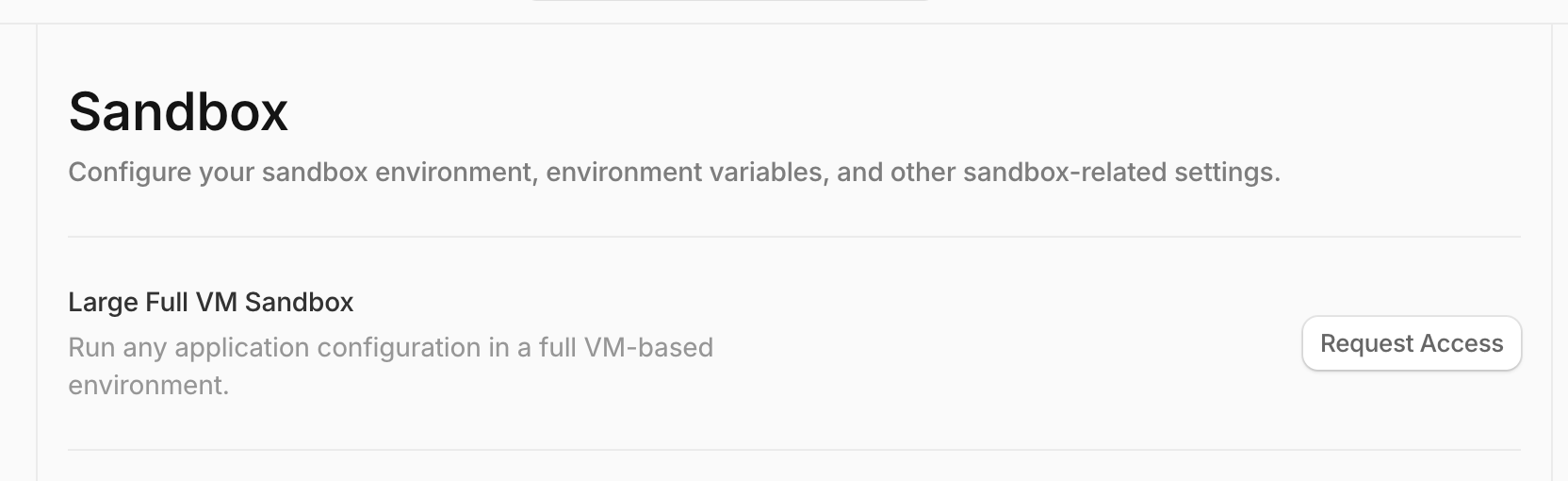
Request Access
The VM sandbox is only available for paying customers. To request access, visit settings > sandbox in your dashboard or click here.
Learn More
For more information about Tembo's sandbox environment and how to get started, check out the sandbox environment documentation.
Delegate more work to coding agents
Tembo brings background coding agents to your whole team—use any agent, any model, any execution mode. Start shipping more code today.